Approve who parks
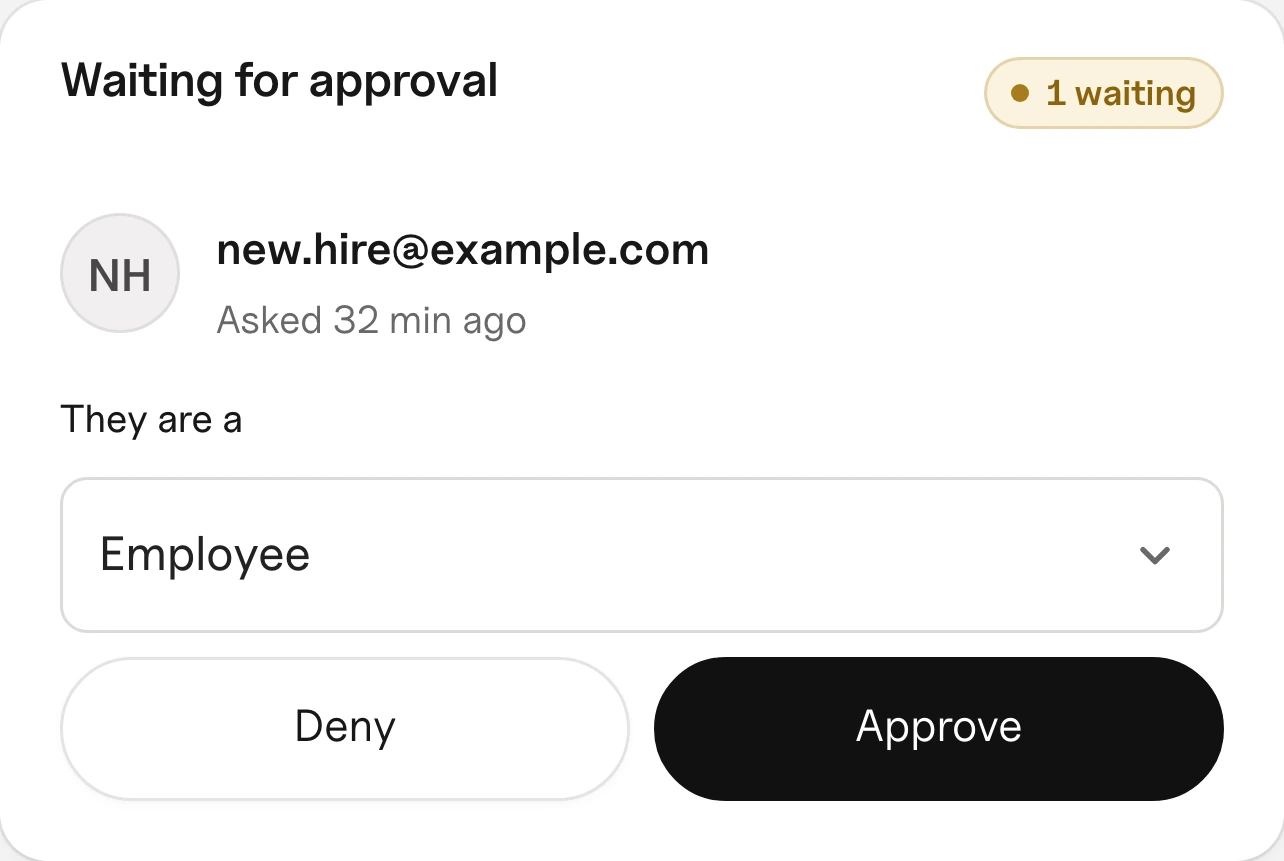
People ask to join. You choose what they are and approve, or deny. Remove anyone with one tap.
Your people claim a space before they arrive, so nobody gets stuck without one. You know every car on your lot, and guests get a pass. No group texts, no notes on windshields.
Free to start, no card. Nothing to install.

Nobody circles the lot and nobody calls the office. This is what Flex does today.
A photo of the car, and the plate if they can see it. If it’s a car that’s allowed in that space, the report closes on its own.
If they had claimed that space, Flex moves their claim to the next open one right away. Nobody is left without a spot.
You get a notice the moment a report comes in. If the car belongs to one of your members, they get one too, asking them to move it. You tap The car moved or Not a problem.
Every confirmed report goes on their record. On the third, they can’t claim a space, book or send guest passes for 30 days.
Fire lane, accessible spaces and blocking access go straight to suspension.
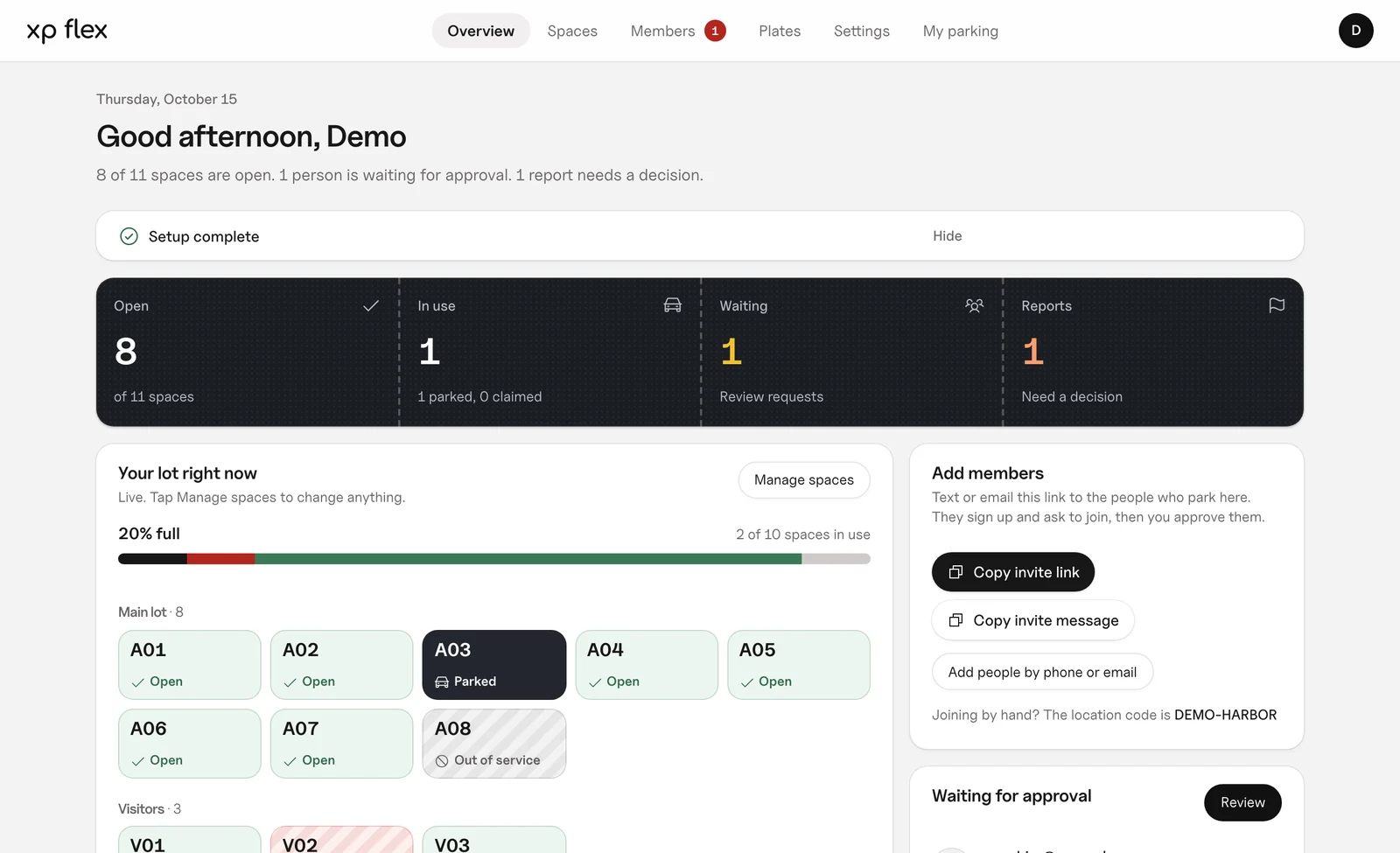
Every space, open, claimed, parked or out of service, and the car in it. People waiting to join and reports to decide sit right next to it, so nothing slips.
Pick your type of lot and Flex starts you with the right zones and rules. Change any of it later.
Setting: Members pick their own space
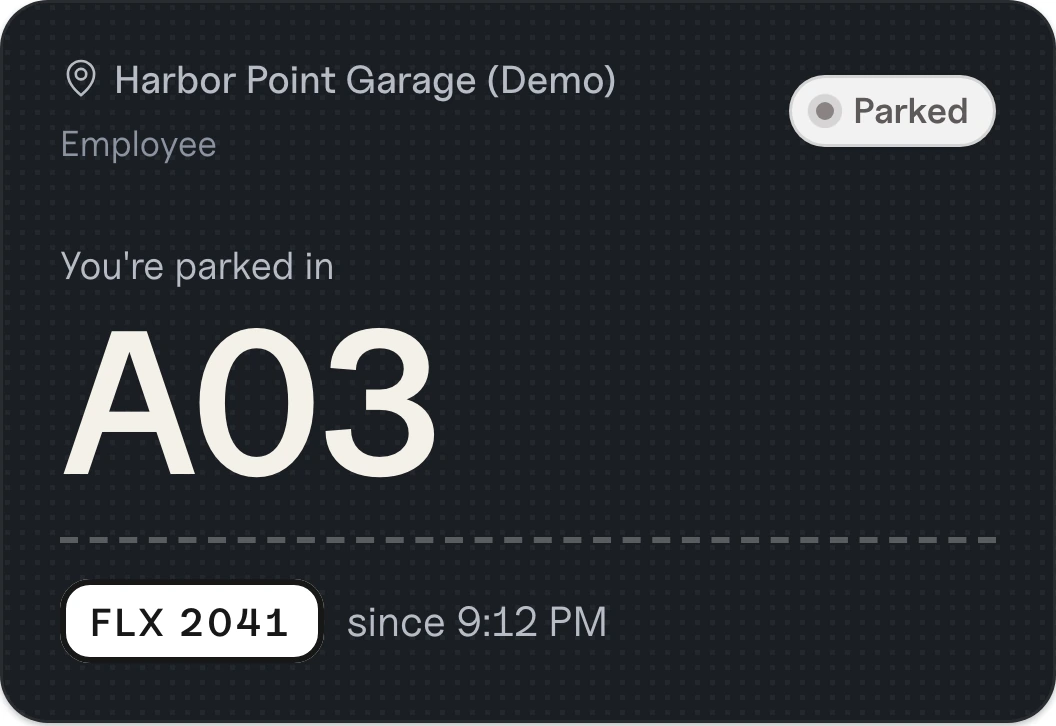
Staff claim a space before they leave home, so nobody circles the lot at 9 AM. It opens up again when they leave.

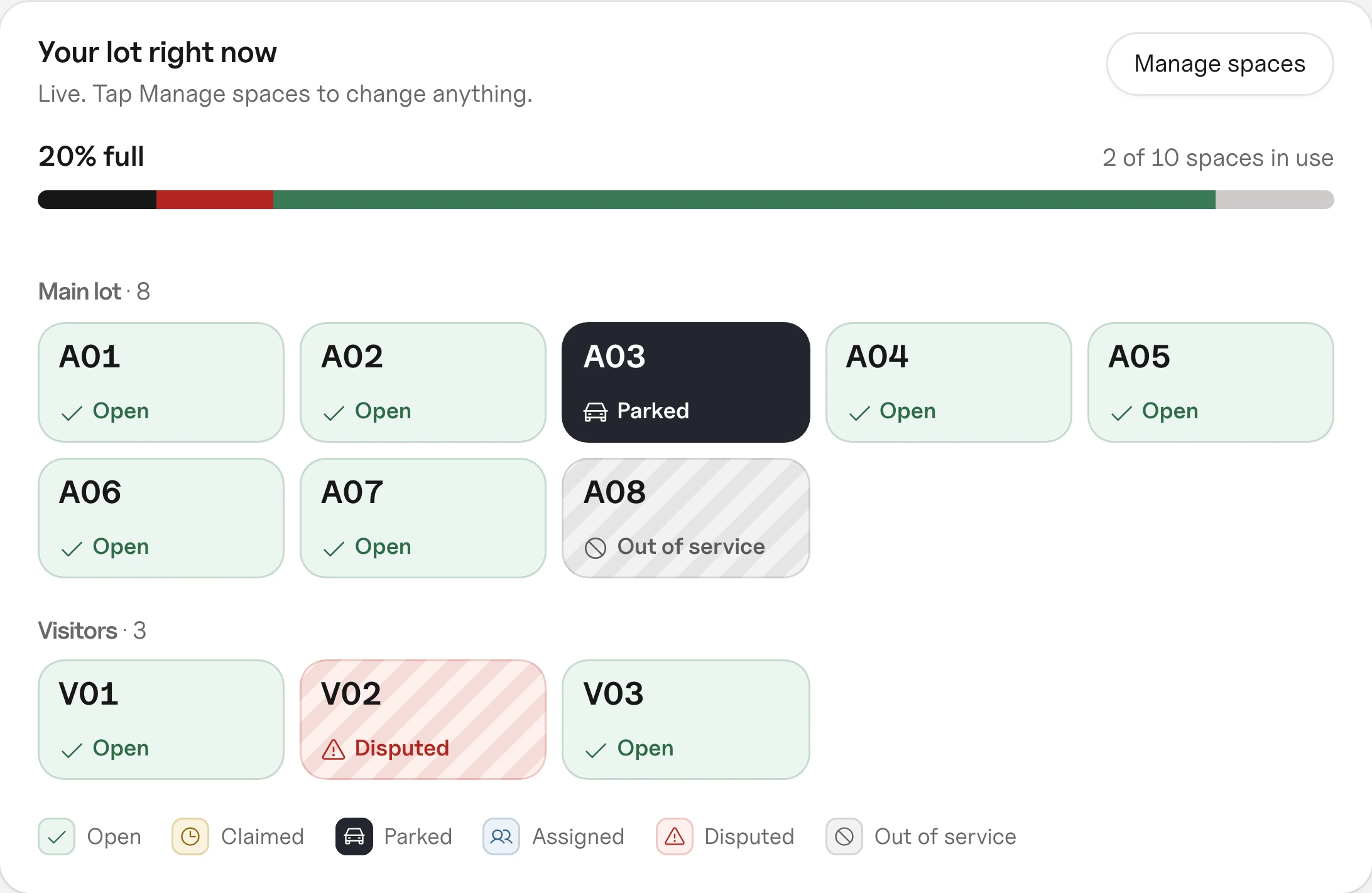
People ask to join. You choose what they are and approve, or deny. Remove anyone with one tap.
One tap when they arrive and one when they leave. The space opens up for the next person.
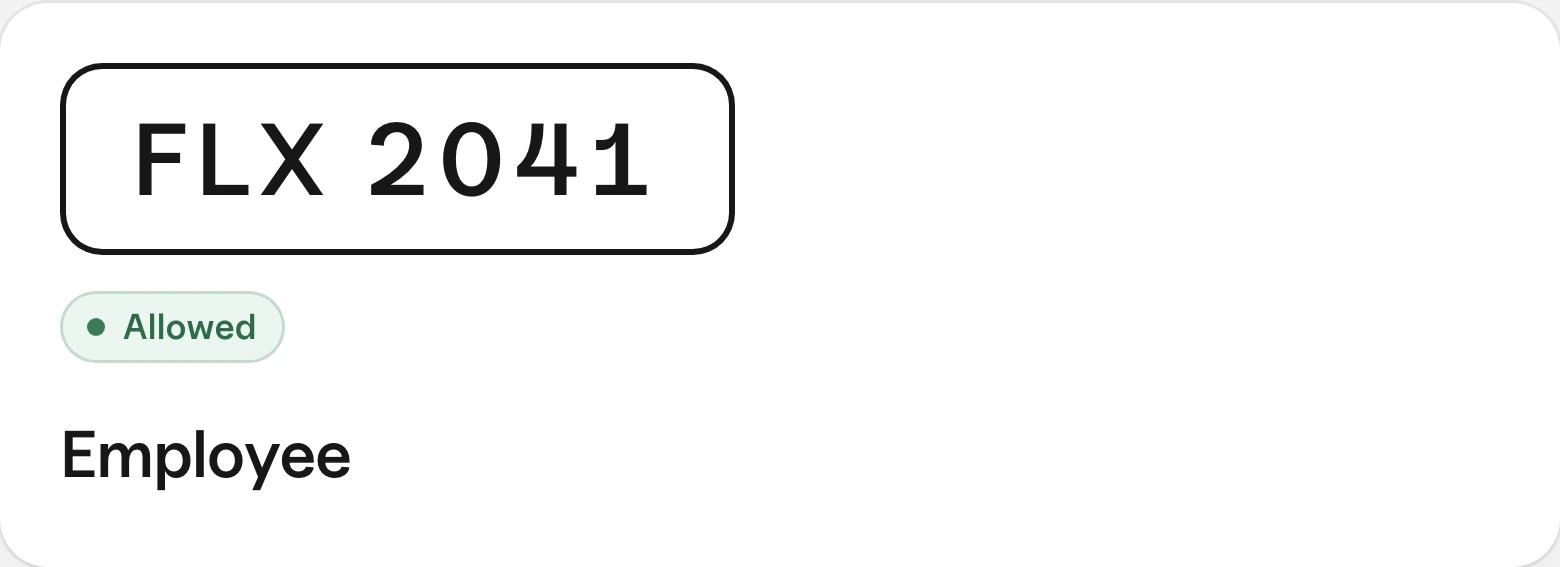
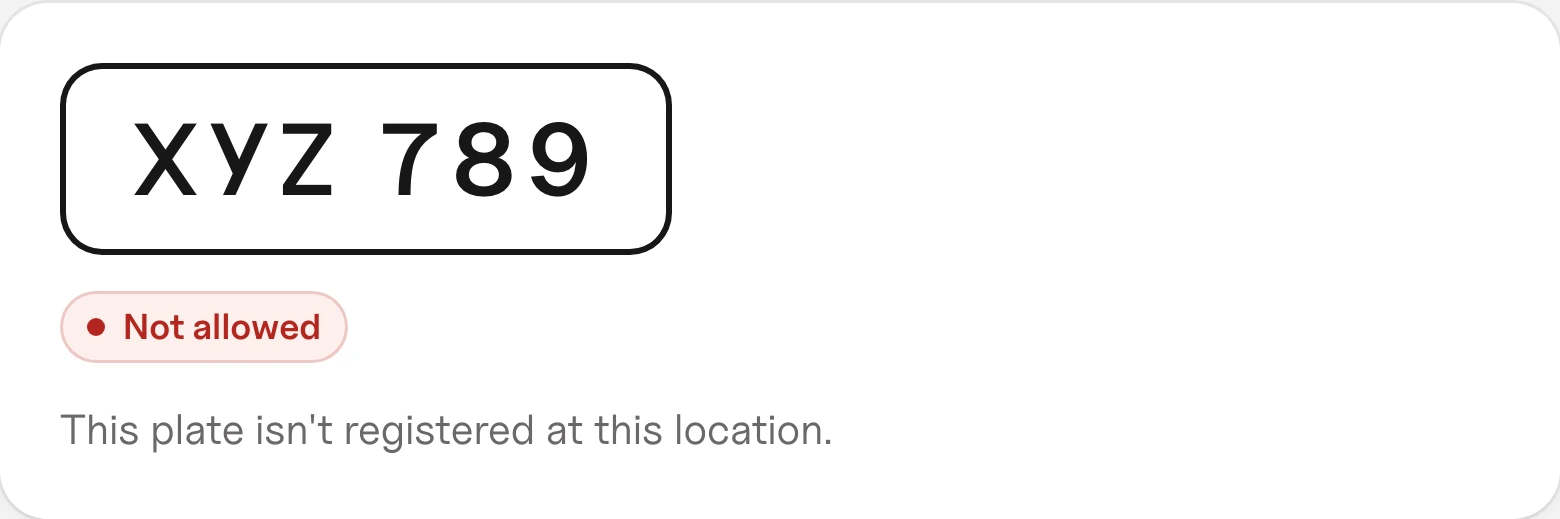
Type a plate and see if it belongs here, and as what.
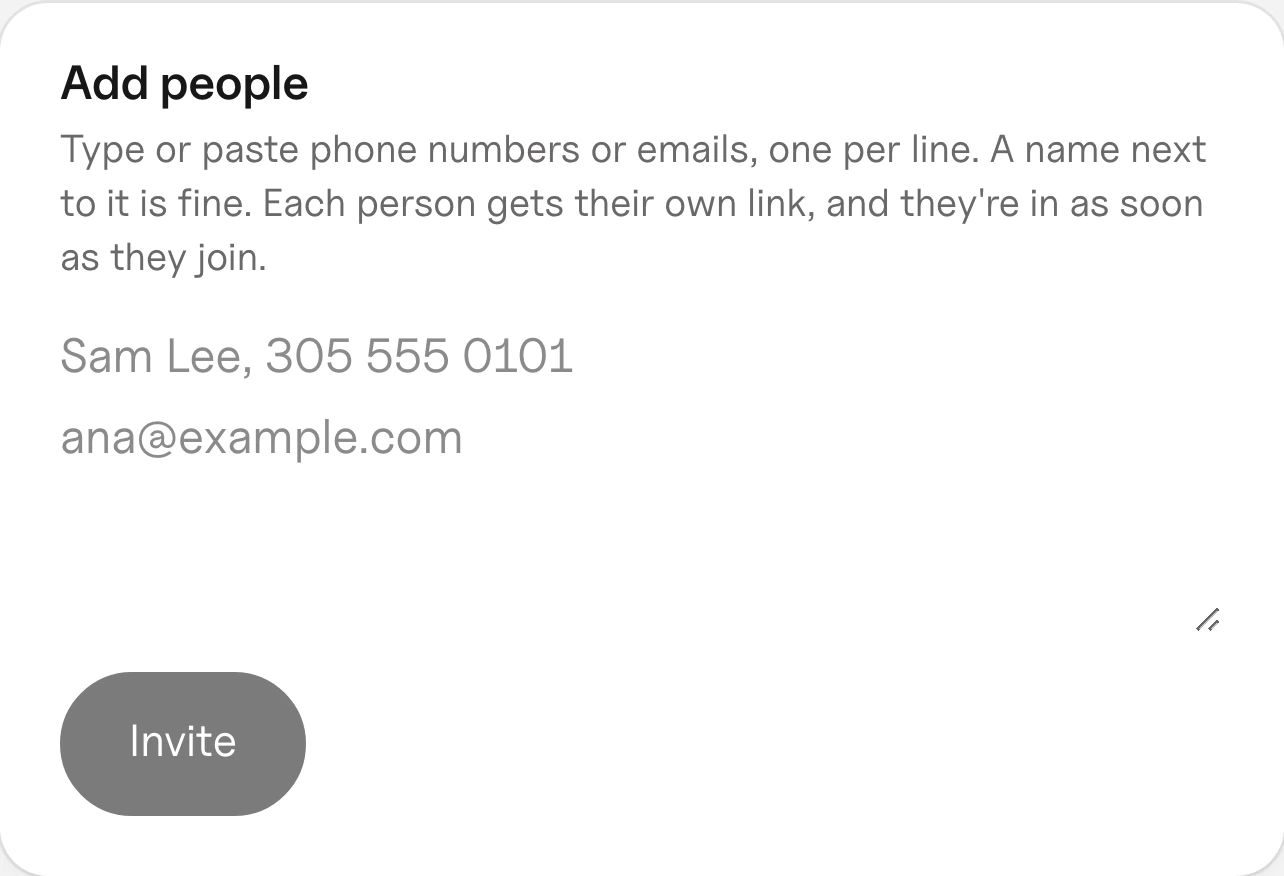
Paste phone numbers or emails, one per line. Each person gets their own invite link. Or share one join link.
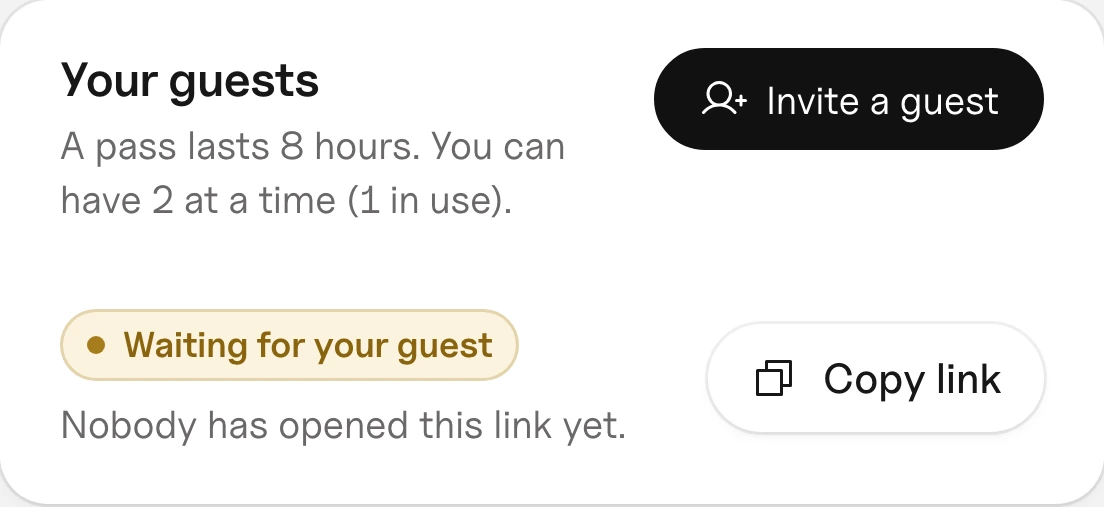
A member sends a guest pass. The guest adds their plate. No account and no app.
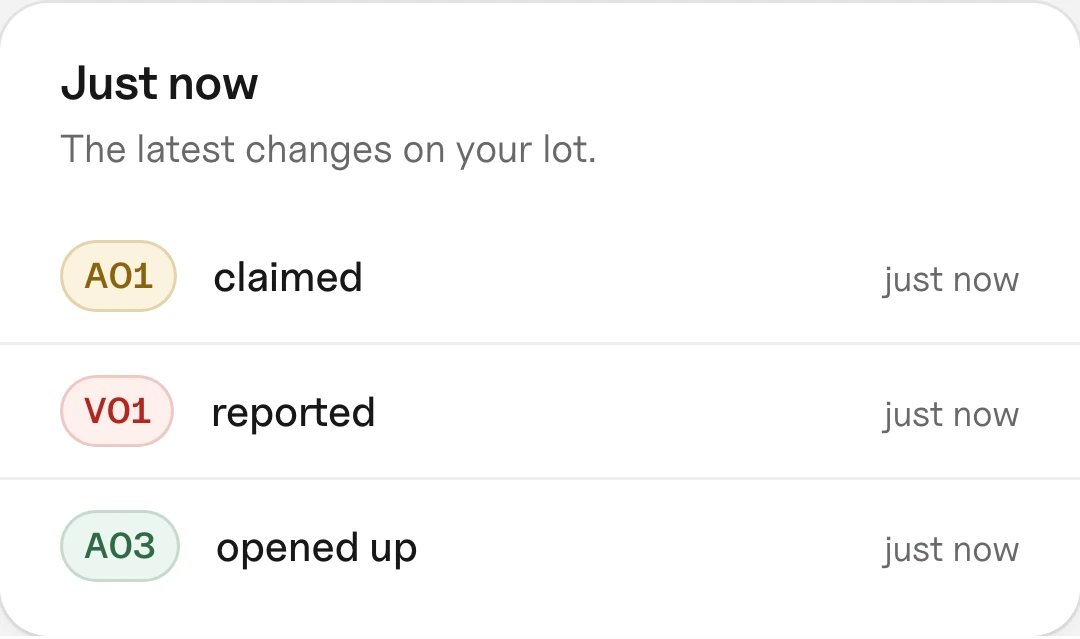
Claims, check-outs and reports show up on your overview the moment they happen.
A checklist walks you through it and ticks itself off as you go.
Your address, then your zones and spaces. Use the names people already use.
Phone numbers or emails, or one join link. You approve each person.
They tap the link and verify their phone once. Then they claim, check in and go.
No. No gates, cameras or signs. Flex runs in the browser on any phone or computer.
No. They open their invite link, verify their phone once and they're in.
A member sends a guest pass link. The guest adds their plate and email. No account needed.
Report it from your phone with a photo. If you had claimed it, Flex holds another space for you. The owner gets a notice, and if the car belongs to a member, so do they, asking them to move it.
Starting is free and needs no card.
Start with your address. Spaces and people can follow at your pace.
Parking at a lot that uses Flex? Open the invite link from your manager, or log in.
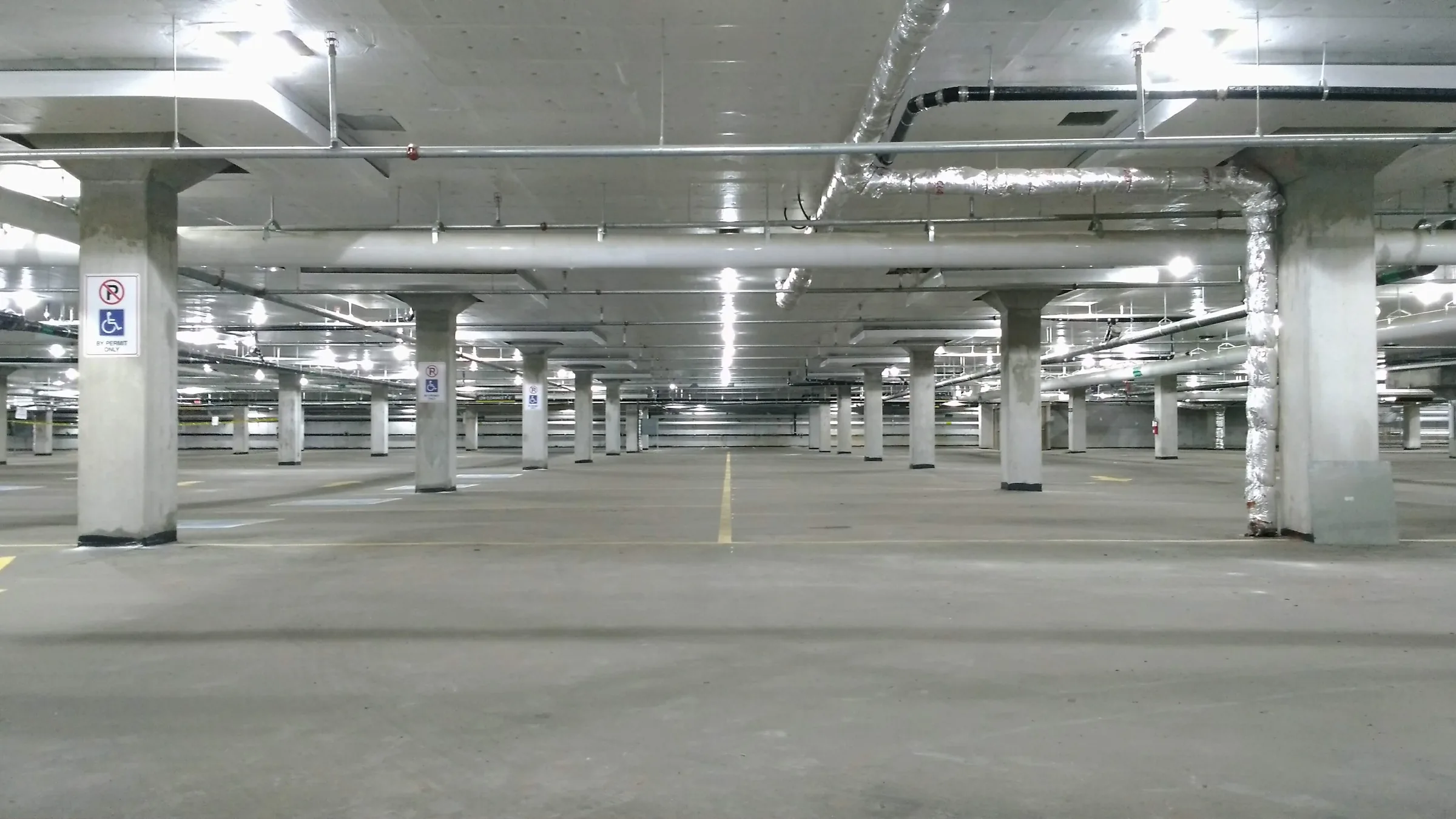
Via Wikimedia Commons, cropped: Aerial lot by Heath Alseike (CC BY 2.0), Office ramp by Tony Webster (CC BY 2.0), Apartment lot by TylerMascola (CC0), Dealership by Tony Webster (CC BY 2.0), Garage by Enoch Leung (CC BY-SA 2.0).